The Real Problem with OCR on Complex Documents
If you've ever tried automating document processing in an enterprise setting, you've likely encountered the same frustrating pattern: a vendor promises their OCR tool will digitize your documents, it performs decently on the initial set of test files, and then accuracy plummets the moment you encounter real-world variation.
This isn't necessarily a failure of OCR as a technology. Optical character recognition, the process of converting pixels into characters, has become remarkably effective. Tools like Google Cloud Vision and AWS Textract achieve character-level accuracy rates exceeding 97% on clean, well-scanned documents. The core technology itself is sound.
The real issue is that character recognition is not the same as document understanding. Simply knowing that a scanned page contains the characters "1,247.50" doesn't tell you whether that number represents an invoice total, a line-item quantity, a shipping weight, or a test result on a certificate of analysis. This distinction—understanding what the data signifies, not just what characters are present—is where traditional OCR struggles with complex documents.
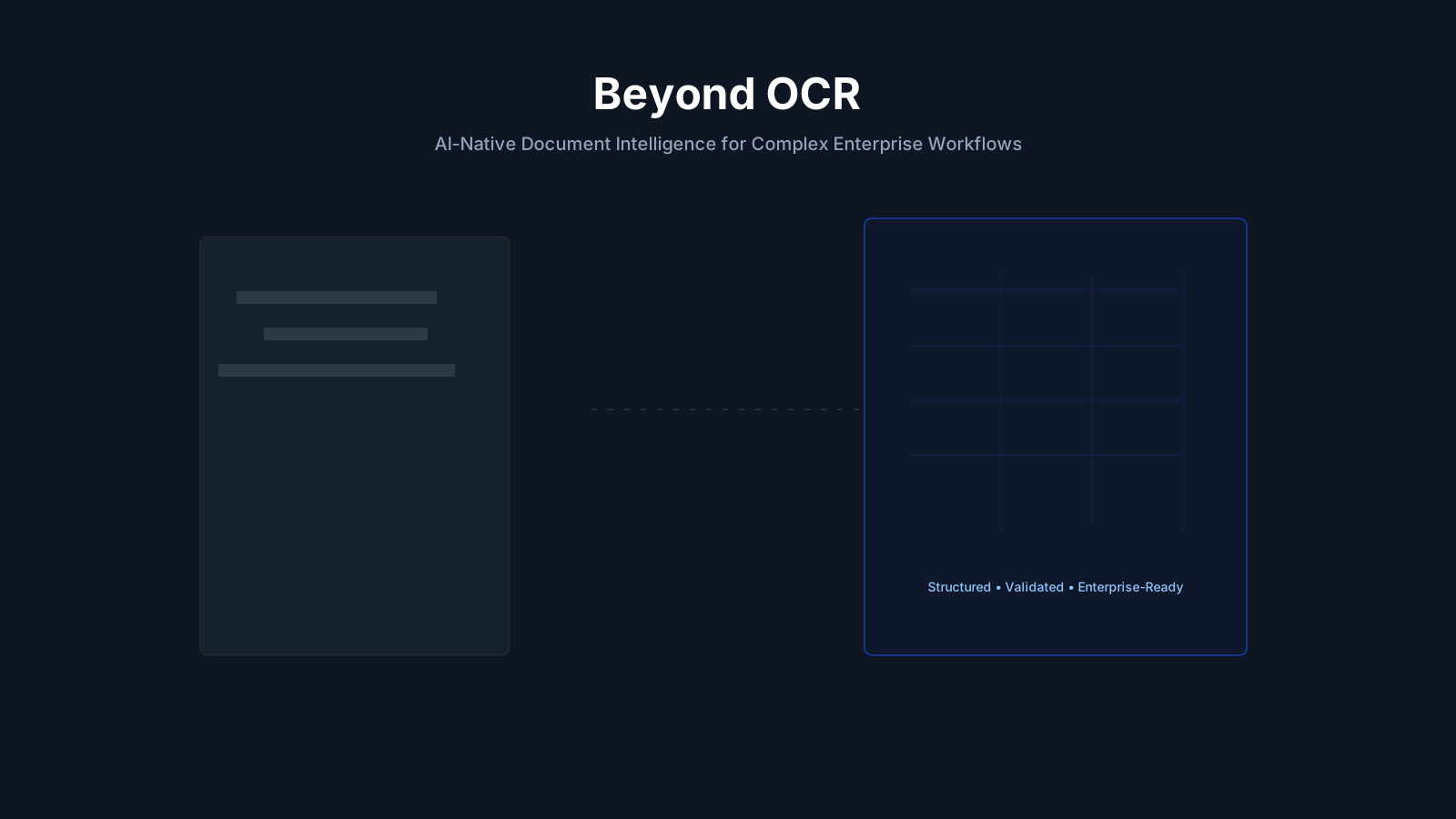
Key Insight: The real bottleneck in document processing isn't character recognition accuracy, but rather structural understanding. OCR provides perception (pixels → characters). What enterprises truly need is cognition (characters → structured, validated business data).
This distinction is critical because the documents that cause the most operational friction—certificates of analysis, multi-page invoices, bills of lading, customs declarations—are precisely those with the highest structural complexity. This complexity is what causes template-based approaches to fail.
Why Template-Based OCR Breaks (With Specific Examples)
Most document processing platforms, even those marketing themselves as "AI-powered," rely on template matching at their core. You show the system a sample document, define the fields you want extracted, and the system searches for data in those same coordinates on subsequent documents.
This works effectively when every document adheres to the same layout. However, it breaks down in predictable ways when variations occur:
Supplier layout variation
A food manufacturer receiving certificates of analysis (COAs) from 200 suppliers will likely encounter 200 different document layouts. One supplier might present test results in a table on page 1. Another might use a narrative format spanning two pages. A third might embed results in a combined COA/shipping document. Each layout change requires a new template, and template maintenance becomes a significant undertaking.
Mid-document format changes
Real-world invoices frequently contain mixed structures within a single document: header fields in a different format from line items, tax tables with merged cells, handwritten adjustments in the margins. Template-based systems, which expect a single, consistent structure, falter when the structure shifts within a page.
Multi-language and multi-script content
International trade documents often contain data in multiple languages, such as an English invoice header with Chinese line-item descriptions, or a German customs form with Arabic supplier details. While character recognition might handle each script, template-based field extraction assumes a linguistic consistency that simply doesn't exist in cross-border commerce.
Low-quality scans and photographic captures
Documents photographed in a warehouse, faxed between offices, or printed on thermal paper and then scanned often introduce visual noise that degrades template alignment. A template expecting the vendor name at coordinates (x=120, y=85) will miss it when the scan is tilted, the margin shifted, or the page was folded before scanning.
⚠️ The Hidden Cost: Template maintenance is often the largest hidden cost in OCR deployments. A mid-size logistics company processing documents from 500 vendors might need to create and maintain 500+ templates, each requiring updates whenever a vendor changes their form design. This maintenance cost frequently exceeds the cost of manual data entry it was intended to replace.
Entity-Based Extraction: How Ameya Approaches It Differently
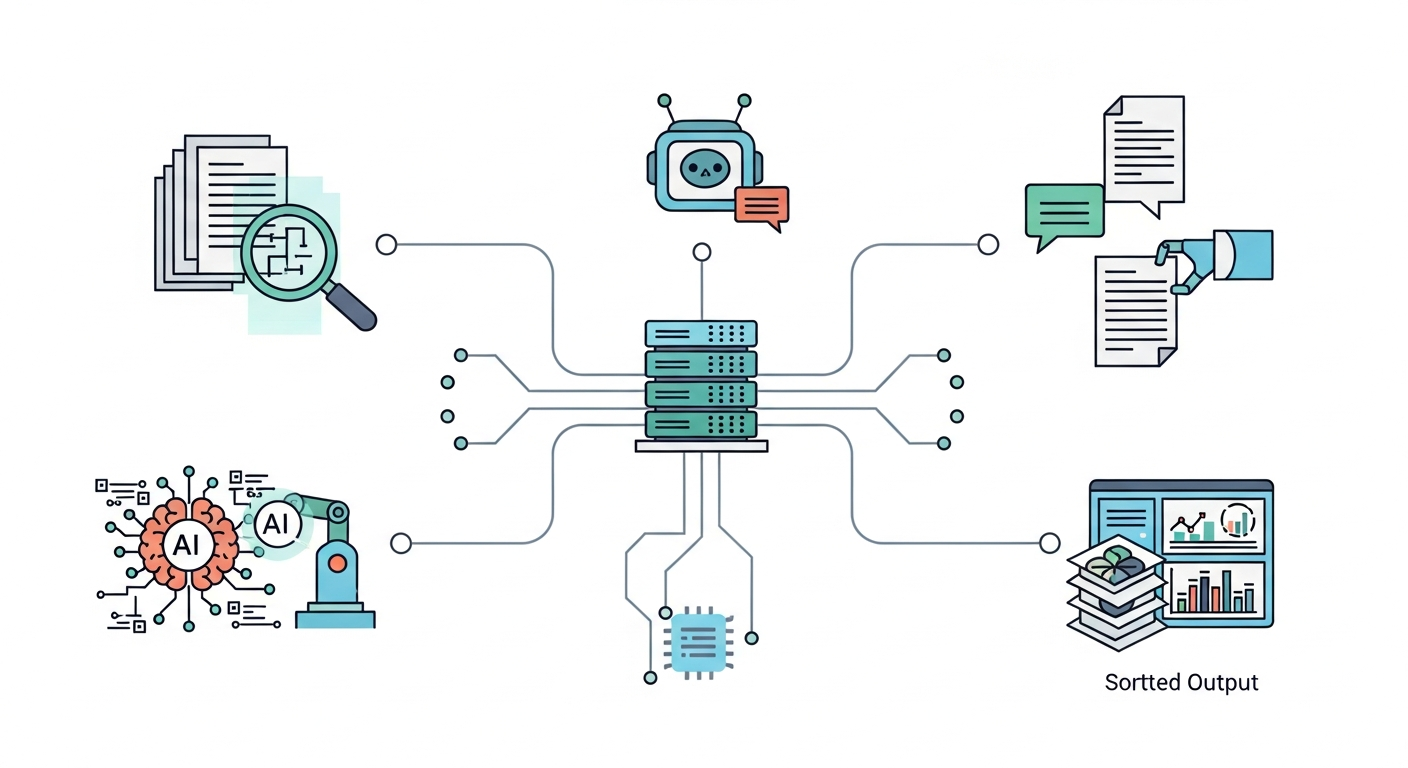
Ameya Extract doesn't rely on templates. Instead, it employs entity-based extraction, which identifies what the data represents regardless of where it appears on the page.
When Ameya processes a document, it doesn't search for "the number at position (x, y)." It identifies entities—a vendor name, an invoice total, a test result value, a CAS number—based on semantic context, surrounding text, and document structure cues. This means that the same extraction logic works whether the vendor name is in the top-left corner, the center of the page, or buried within a table header.
Here's a concrete example illustrating the difference:
Template-Based Approach (Fragile):
Template: "COA_Supplier_A_v3"
├── Vendor Name: Row 1, Column B
├── Lot Number: Row 3, Column C
├── Test Results: Rows 8-15, Columns A-D
└── ⚠ Breaks when: supplier updates form, adds a row,
    changes font, or sends a different version
Ameya's Entity-Based Approach (Resilient):
Schema: "Certificate of Analysis"
├── Entity: vendor_name    → Identified by semantic role, any position
├── Entity: lot_number     → Extracted by context, not coordinates
├── Entity: test_results[] → Recognized in tables, narratives, or mixed
└── Validation:              Auto-compared against your spec sheet
This entity-based approach means that you define your extraction schema once per document type (not once per supplier or layout variation). Ameya comes with pre-built schemas for common document types, including invoices, bank statements, COAs, shipping documents, customs declarations, and trade documents. It also provides a visual editor for defining custom schemas.
🔍 Transparency Note: What "No Templates" Actually Means
When we say "no templates," we mean that you don't create per-supplier or per-layout templates. You do define a schema that describes which entities to extract (e.g., "vendor name," "total amount," "test results"). Think of it as the difference between telling a system where to look versus telling it what to find. The schema is document-type-level, not layout-level.
Complex Document Types and How Ameya Handles Each
Certificates of Analysis (COAs)
COAs are arguably the most challenging document type for traditional OCR. Every supplier creates their own format. Test result tables vary in structure; some use rows, others columns, and some embed results in narrative text. Ameya's entity extraction identifies test parameters, result values, spec limits, and pass/fail indicators regardless of layout. It then automatically validates extracted values against your stored specification sheets, flagging any out-of-spec results before they enter your ERP.
Multi-page invoices with line-item tables
Invoices with hundreds of line items spanning multiple pages require the system to maintain context across page breaks, understanding that the table that ended on page 2 continues on page 3. Ameya handles page-spanning tables, merged cells, and mixed currencies within a single invoice, extracting each line item as a structured record.
Shipping and logistics documents
Bills of lading, packing lists, and delivery receipts often combine printed and handwritten fields, contain stamps and signatures overlapping text, and include regulatory codes that must be extracted accurately. Ameya processes these documents regardless of the carrier's form design, extracting container numbers, port codes, weights, and descriptions as structured data.
Customs and trade compliance documents
Cross-border trade documents present the full spectrum of complexity: multilingual content, regulatory form structures that vary by country, HS codes that must be extracted precisely, and value declarations that require validation against commercial invoices. Ameya's multi-language support and entity-based extraction handle these without per-country templates.
Bank statements and financial documents
Financial institutions and their clients deal with bank statements in hundreds of formats across domestic and international banks. Ameya extracts transaction records, running balances, account identifiers, and statement periods regardless of the issuing bank's format; a critical capability for KYC processes, lending underwriting, and financial spreading.
Comparison Table
| Capability | Traditional OCR | Template-Based IDP | Ameya Extract |
|---|---|---|---|
| Character recognition | ✅ | ✅ | ✅ |
| New layout without retraining | ❌ | ❌ | ✅ |
| Cross-page table extraction | ❌ | Partial | ✅ |
| Auto-validation against business rules | ❌ | ❌ | ✅ |
| Multi-language in single document | Partial | Partial | ✅ |
| On-premise / private cloud deployment | Varies | Varies | ✅ |
| LLM choice (commercial or open-source) | ❌ | ❌ | ✅ |
Case Study: Smart Food Safe — 95% Faster COA Verification
VERIFIED CASE STUDY
Smart Food Safe × Ameya Extract
The challenge: Smart Food Safe's platform serves food manufacturers managing quality compliance. Their clients receive COAs from hundreds of suppliers, each with a unique document layout. The previous approach—traditional OCR with template matching—required a new template for every supplier format. Even minor changes to a supplier's form design (a font change, an added row, a reformatted header) would break extraction and force manual re-entry.
The solution: Ameya Extract replaced the template-based system with entity-based extraction. The platform now identifies key data fields on a COA regardless of layout, extracts test results with high precision, and instantly compares values against the client's product specifications.
"Integration of Ameya into the Smart Food Safe platform has introduced AI capabilities to empower our clients to get rid of manual data verification."
— Prasant Prusty, Founder, Smart Food Safe
| Metric | Result |
|---|---|
| Extraction Accuracy | 92% |
| Per-Document Verification | < 30 seconds |
| Time Reduction in COA Review | 95% |
🔍 About These Numbers
The 92% accuracy figure represents field-level extraction accuracy across diverse supplier COA formats in production use, as measured during the Smart Food Safe integration. Accuracy varies by document quality and complexity—clean, well-structured PDFs typically yield higher accuracy than low-resolution scans or heavily handwritten documents. We report 92% rather than rounding up because we believe honest metrics build better partnerships than inflated ones. You can test extraction accuracy on your own documents for free before committing to anything.
How It Works: 3 Steps to Structured Data
Ameya Extract is designed to transform unstructured documents into clean, validated data in just three steps, and no machine learning expertise is required.
Step 1: Select or Define Your Schema
Choose from pre-built schemas (invoices, COAs, bank statements, shipping docs, customs docs, trade docs) or use the visual editor to define a custom schema for your document type. You define what to extract—the field names and types—and not where to find them.
Step 2: Upload Documents
Upload documents via the web console, send them by email, or push them through the REST API. Ameya accepts PDFs, DOCX, XLSX, and scanned images. There's no batch size limit on the API, and documents are processed in parallel.
Step 3: Get Structured, Validated Results
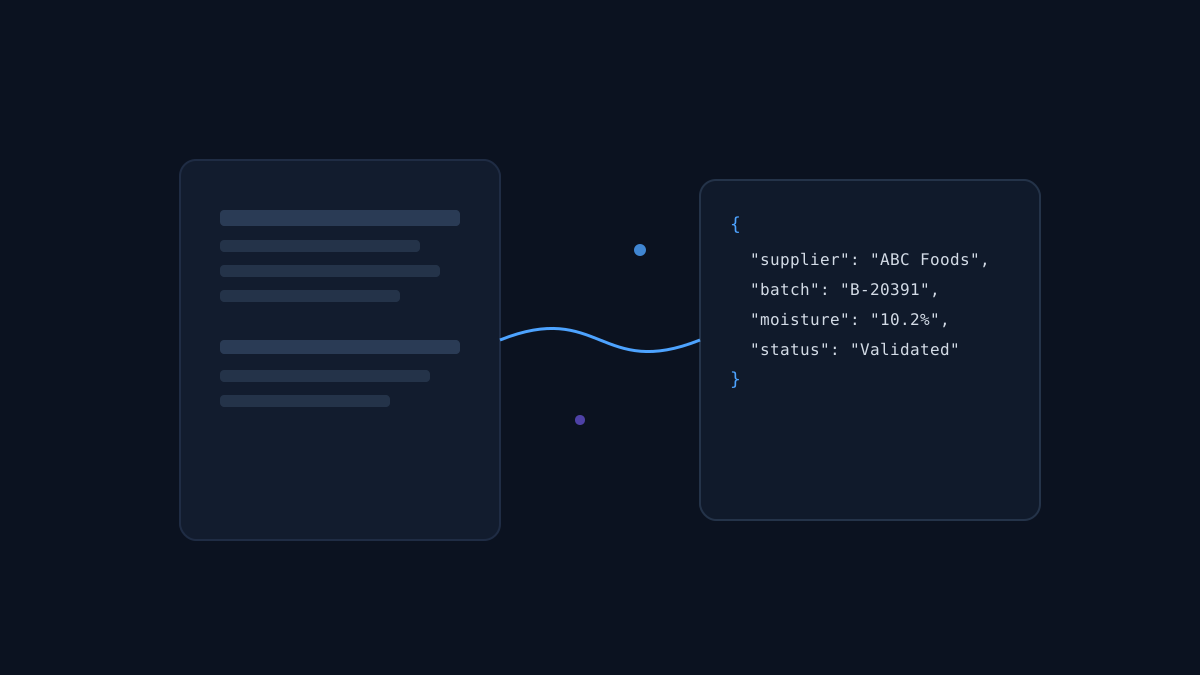
Receive results in real-time via API response or asynchronously via webhook. Extracted data is returned as structured JSON, ready to push into your ERP, database, or downstream workflow. If you've uploaded spec sheets, out-of-spec values are automatically flagged.
API Response Example — COA Extraction:
{
  "document_type": "certificate_of_analysis",
  "vendor": "ABC Ingredients Ltd.",
  "lot_number": "LOT-2026-0342",
  "date_issued": "2026-02-28",
  "test_results": [
    {
      "parameter": "Moisture Content",
      "value": 4.2,
      "unit": "%",
      "spec_min": 0,
      "spec_max": 5.0,
      "status": "PASS"
    },
    {
      "parameter": "Heavy Metals (Pb)",
      "value": 0.12,
      "unit": "ppm",
      "spec_min": 0,
      "spec_max": 0.1,
      "status": "FAIL — exceeds spec by 0.02 ppm"
    }
  ],
  "confidence_score": 0.94
}
Note the confidence_score in the response. Every extraction includes a confidence metric, allowing you to set thresholds for automatic processing versus human review. Low-confidence extractions are routed to your review queue rather than silently entering your systems with errors.
Honest Comparison: Where Ameya Excels and Where It Doesn't
No platform is a perfect fit for every use case. Here's an honest assessment of where Ameya is strong and where other solutions might be a better fit:
Where Ameya is strongest
High supplier/format variation: If you process documents from dozens or hundreds of different sources (suppliers, banks, carriers), entity-based extraction eliminates template maintenance. This is Ameya's core design advantage.
Validation against business rules: Ameya doesn't just extract data—it validates it. COA results are checked against spec sheets. Invoice totals are verified against line items. This catches errors that pure extraction platforms miss.
Deployment flexibility: Built on Kubernetes, Ameya deploys on-premise, in your private cloud, or on any public cloud. You choose between commercial LLMs or open-source models on your own infrastructure. Your documents never leave your servers unless you want them to.
Domain-specific extraction: We offer pre-built extractors for COAs, invoices, bank statements, shipping docs, customs docs, and trade docs. These are tuned for the specific entities and validation rules each document type requires.
Where Ameya may not be the best fit
Simple, single-format scanning: If all your documents follow one consistent template (e.g., your own internal forms), a simpler OCR tool with a single template might be more cost-effective. Ameya's strength is handling variation—if there's no variation, you're paying for capability you don't need.
Consumer-grade document scanning: If you need to scan receipts for personal expense tracking or digitize a single book, consumer tools like Adobe Scan or Apple's built-in OCR are simpler and free.
Handwriting-heavy documents: While Ameya handles printed text in any layout, documents that are primarily handwritten (e.g., physician notes, handwritten forms) remain challenging for any AI system. Accuracy on heavily handwritten content will be lower than on printed or typed documents.
🔍 Why We Include Limitations
We've seen too many vendor evaluations derailed by discovering limitations post-purchase. Being upfront about where we're strong and where we're not saves everyone time. If your use case falls into our "not the best fit" category, we'd rather tell you now than have you discover it during a pilot.
Enterprise Deployment: Your Data, Your Servers
For enterprises handling sensitive documents like financial records, health-related COAs, and trade compliance data, where the AI runs is as important as how well it extracts. Ameya is built for deployment models that keep your data under your control:
On-premise deployment: Install Ameya on your own servers. Documents are processed locally, extracted data stays in your network, and no third-party cloud provider sees your content.
Private cloud: Deploy on your AWS, Azure, or GCP subscription. You control the infrastructure, the data residency, and the access policies. Ameya runs as containers in your environment.
LLM flexibility: Choose a commercial LLM (your license, your API key) or deploy open-source models on your own hardware. This is critical for organizations with data sovereignty requirements or AI governance policies that restrict which models can process sensitive data.
Kubernetes-native: Ameya is built on Kubernetes from the ground up, making it compatible with any container orchestration environment. Scaling, monitoring, and integration with your existing DevOps tooling follow standard Kubernetes patterns.
| Deployment Options | LLM Provider | Infrastructure |
|---|---|---|
| On-prem, private cloud, public cloud | Commercial or open-source, your choice | Standard Kubernetes deployment |
Try It Yourself — Free, No Sales Call Required
The best way to evaluate any document processing platform is to test it on your actual documents. We offer two ways to do this:
Free extractors: Upload a document to any of our pre-built extractors (invoices, bank statements, COAs, shipping docs, customs docs, trade docs) and see the extraction results in your browser. No account required, no credit card, and no sales follow-up unless you request it.
Live demo with your documents: If you want to test with a larger batch or discuss a custom extraction schema, you can book a 30-minute demo call directly with our engineering team (not a sales rep). Bring your most challenging documents—the ones that caused your last OCR vendor to stumble.
🚀 Extract Your First Document Free →
📞 Book Engineering Demo
About This Article
This article was written by the Ameya engineering and product team. We reviewed it with a specific question in mind: "If I were evaluating document AI vendors, what would make me trust or distrust these claims?"
Based on that review, we made several deliberate choices:
We cite a specific, named customer (Smart Food Safe) with a real quote from their founder, rather than anonymous testimonials. We report 92% accuracy rather than rounding to a more impressive-sounding number. We include a section on where Ameya isn't the best fit, because hiding limitations erodes trust faster than disclosing them. We provide a free extraction tool that requires no paid account, so you can verify our claims on your own data before talking to anyone.
If you find claims in this article that don't hold up when you test them, we want to know. Email [email protected] or flag it in a demo call.
Related Solutions
- AI for Food Safety & QA
- Finance & Accounts Payable Automation
- Logistics & Trade Document Processing
- Ameya Extract — Document AI
- Ameya AI Agents
- Ameya Analyst — Data Analytics
- Free COA Extractor
- Free Invoice Extractor
- Bank Statement Converter
© 2025 KnowAll AI Technologies Inc. All rights reserved. Ameya AI — Document AI and Analytics Platform